Hours
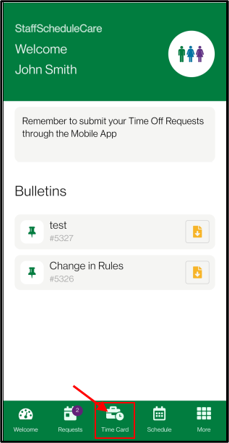
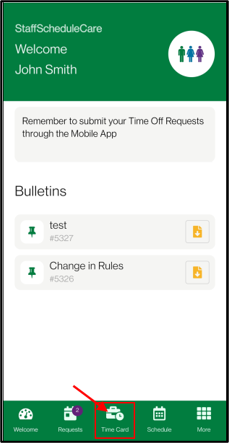
Navigate to Time Card menu.
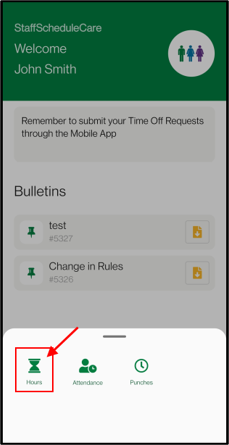
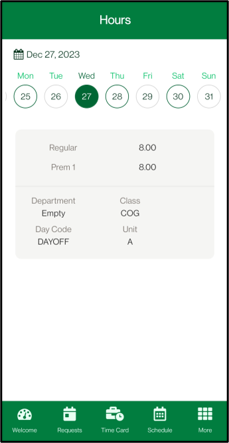
▪Tap on selected date to view details.
▪You can swipe left / right to navigate within the selected month. Tapping on the date will open a calendar you can use to change months. Dates with hours/activity have a green outline.
Attendance
Navigate to the Attendance menu.
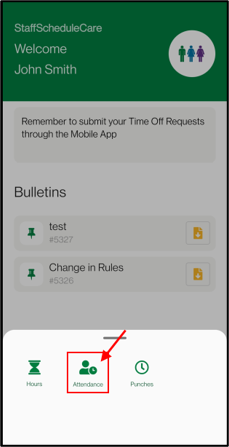
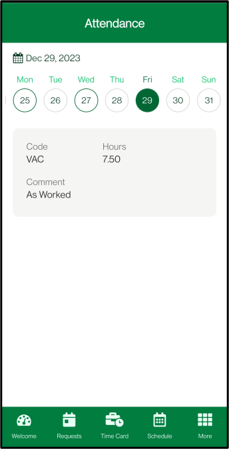
Tap on selected date to view details. You can swipe left / right to navigate within the selected month. Tapping on the date will open a calendar you can use to change months.
Dates with attendance codes / activity have a green outline.
Punches
Navigate to the Punches menu.
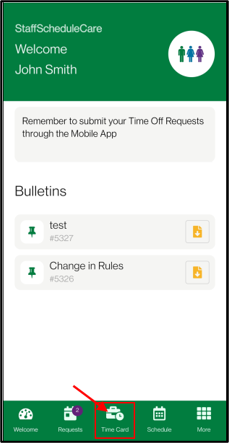
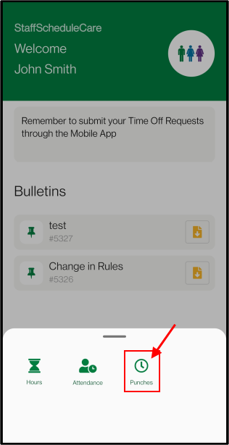
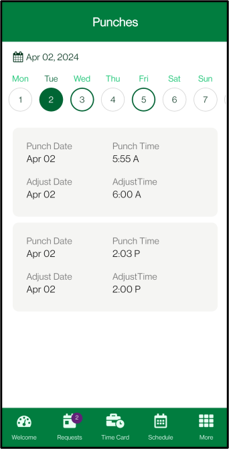
Tap on selected date to view details. You can swipe left / right to navigate within the selected month. Tapping on the date will open a calendar you can use to change months.
Dates with punches / activity have a green outline.