Introduction to Employee Self Service for Mobile
Employee Self Service for Mobile (ESS for Mobile) gives employees access to a range of self-service features from their mobile device. Through the app, employees can stay informed with company bulletins and announcements, view their schedules, request time off, and update their availability. Employees can also request shift exchanges with coworkers, and receive notifications for unfilled shifts, with the option to accept or bid on those shifts depending on their facility's configuration.

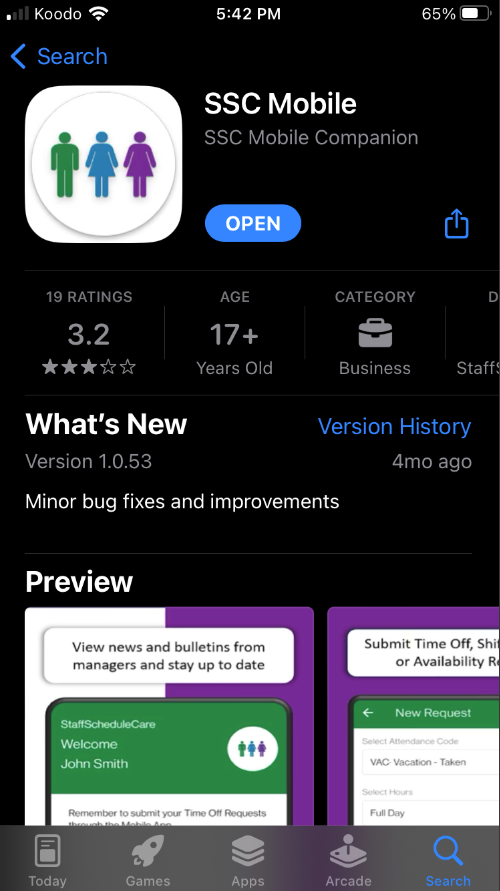
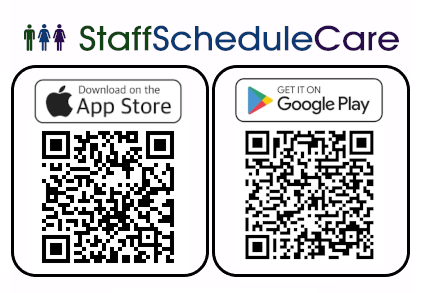
The new mobile app will work with Android 5+ and iOS 13+. To download it, you can go to the App Store or Google Play under the name SSC Mobile or use the QR codes below.
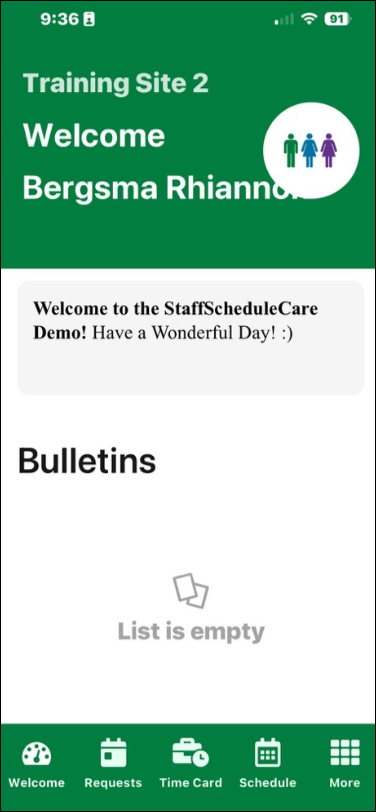
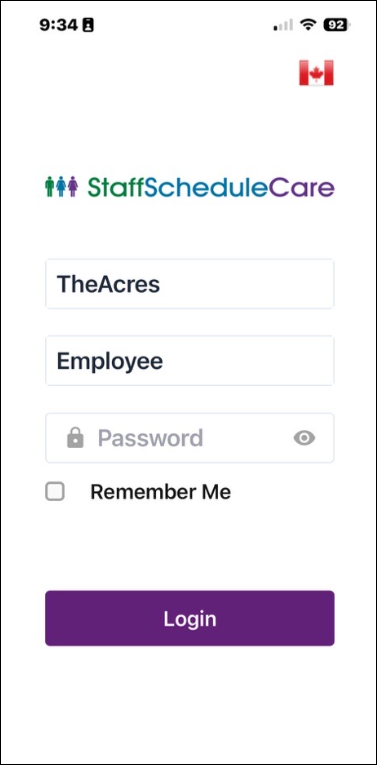
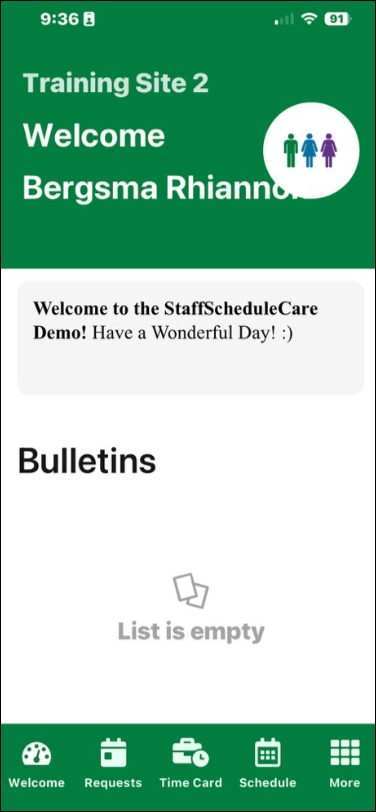
Log into your mobile app with your facility code and password. You will be presented with the Welcome menu. |
The Welcome Menu
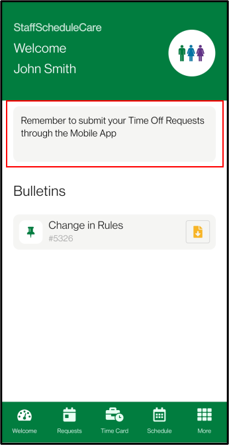
The greeting can be a general welcome message for staff or be used as a reminder from managers.
Bulletins
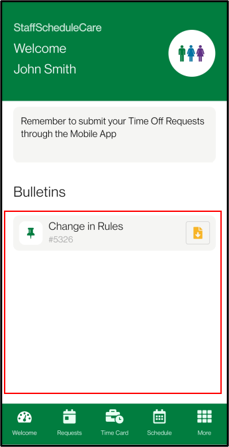
The Bulletins may include notices for upcoming events or company news.
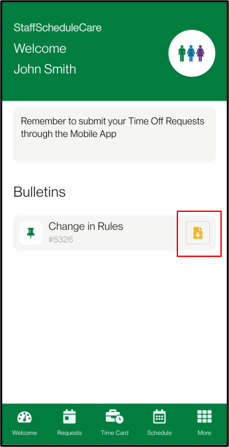
If there is an attachment on the Bulletin, you can download the attachment to your device by clicking on the paper icon.
|