Notifications
Notifications menu can be accessed through the More menu.
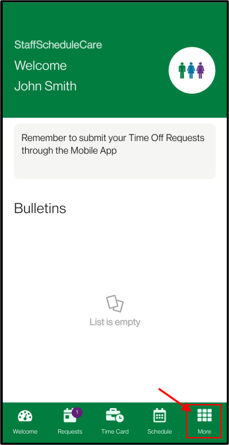
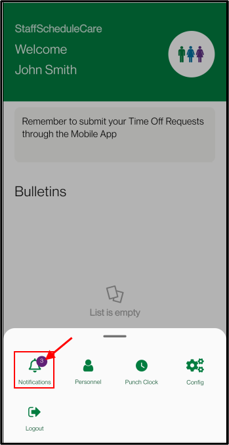
The Notifications menu will show all push notifications that have been sent to your device in the past 30 days. Read messages will be in grey, while unread messages will be in black.
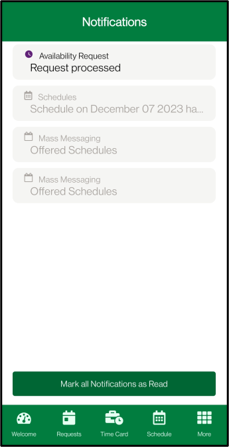
You can tap on each individual message to get more detailed information. This will also change the notification to read. Or tap on the Mark all Notifications as Read button.
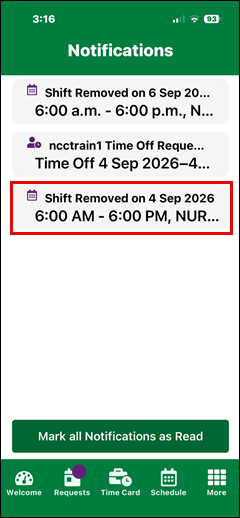
You will receive notification each time one of your scheduled shifts is unbooked:
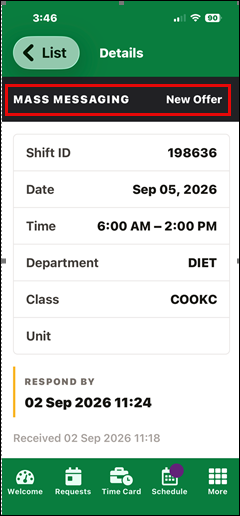
Notifications for shift offers will appear separately from other schedule notifications for clarity:
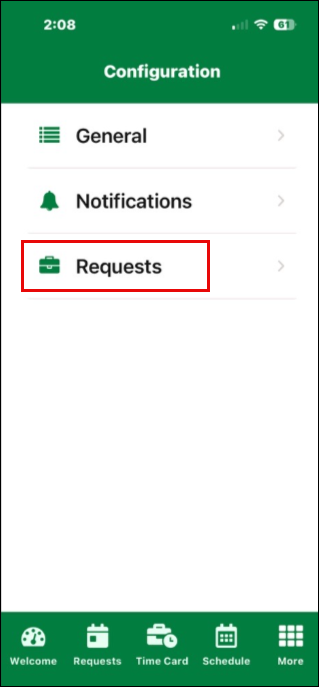
You can adjust what you receive notifications for in the configuration menu.
Configuration
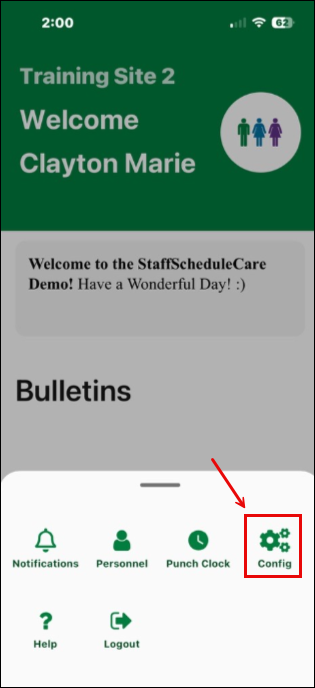
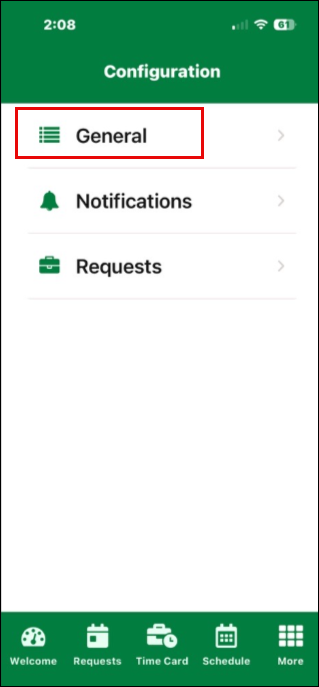
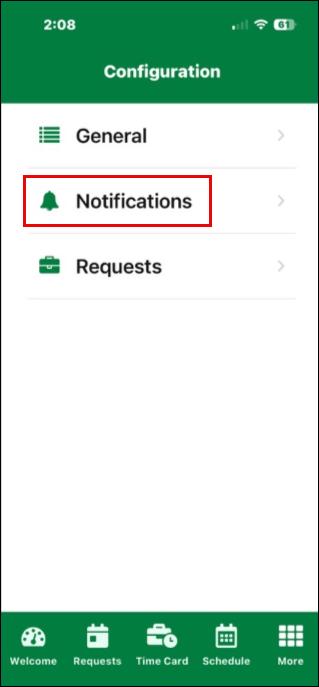
Configuration can be accessed through the More menu.
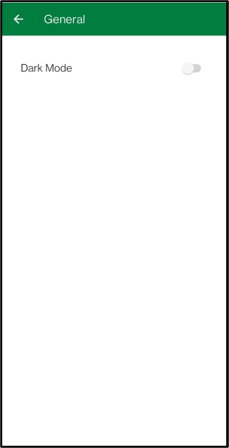
General
You may enable or disable Dark Mode.
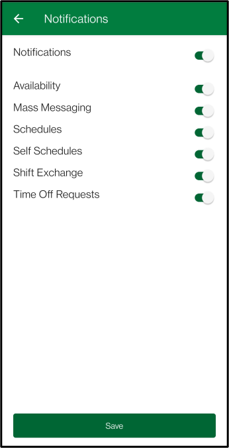
Notifications
You can turn on or off Push Notifications. You can also set what you would like Push Notifications for.
To use the mobile app for Mass Messaging, this option must be turned on.
Requests
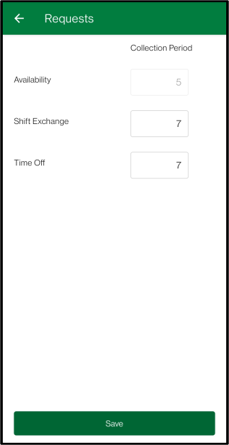
Allows you to set the period the app will review to display active requests as a badge for each menu.
Availability
# of Days in the Past to the Current Day.
Shift Exchange
# of Days in the Past to Current Day.
Time Off
Current Day to # of Days in the Future.