Personal Data
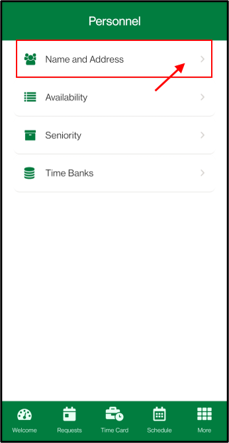
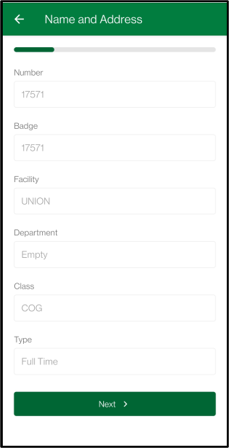
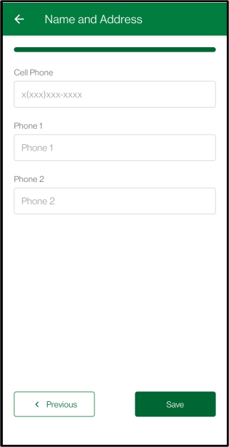
The Name and Address menu will show your personal details. If you have access to adjust these details, there is a Save button at the end.
Availability
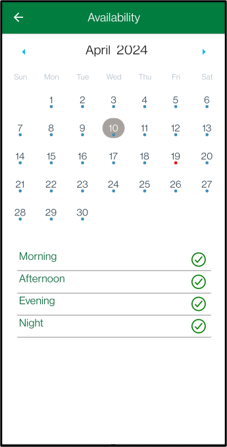
You can view the availability you have set. Dates where you have some availability will be shown with a blue dot. If you have an "unbooking" Attendance Code, there will be a red dot on the date.
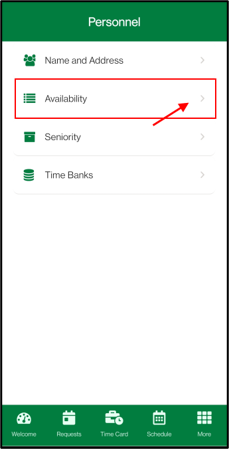
The availability will be shown below the calendar. If you have an "unbooking" Attendance Code, the code will be displayed below the availability.
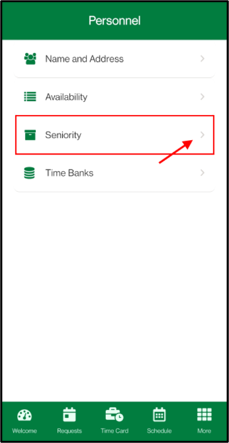
Seniority
You can view your Seniority. Tap on the seniority type to see the full details.
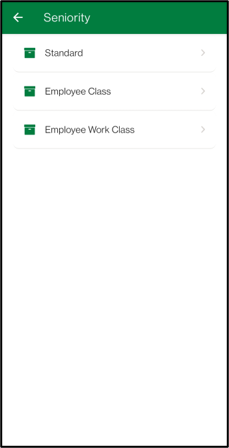
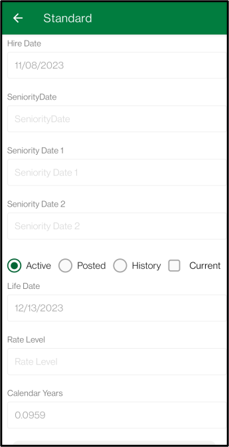
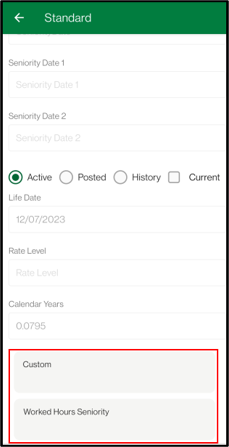
You can view your Active, Posted and Current seniority. For Standard Seniority, you can also view the history. Tapping on the Custom Seniority will allow you to see further details.
Time Bank
Navigate to Time Bank menu.
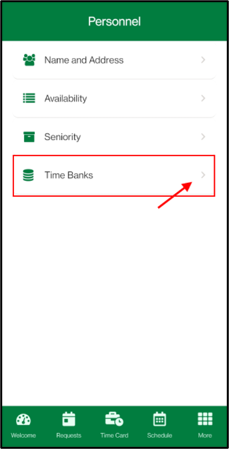
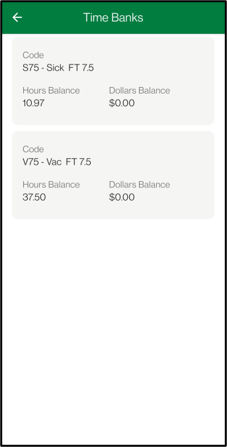
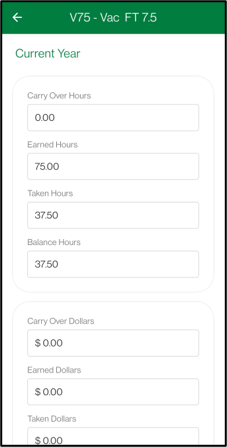
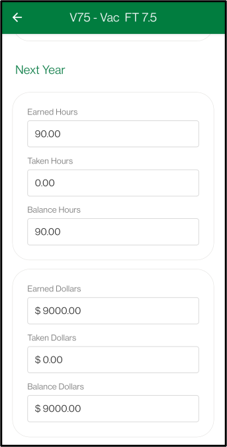
Time bank balances for the current year will be displayed. Tap on the Time Banks to view a more detailed breakdown.