Introduction to Manager Self Service for Mobile
The Manager Self Service (MSS) mobile app is a companion tool designed to give managers the flexibility to handle everyday scheduling tasks from their mobile device, without needing to be at their desk.
From the app, managers can make time card corrections, fill open shifts, view daily schedules, approve employee time off requests, and manage shift exchanges. Where availability approvals have been enabled for your organization, managers can also review and approve employee availability requests directly from the app.
The MSS mobile app is purpose-built for mobile, designed around the quick, in-the-moment actions that managers need when they are on the floor, between meetings, or away from their workstation. It extends the desktop experience into your day-to-day environment, giving you the right tools, in the right place, at the right time.

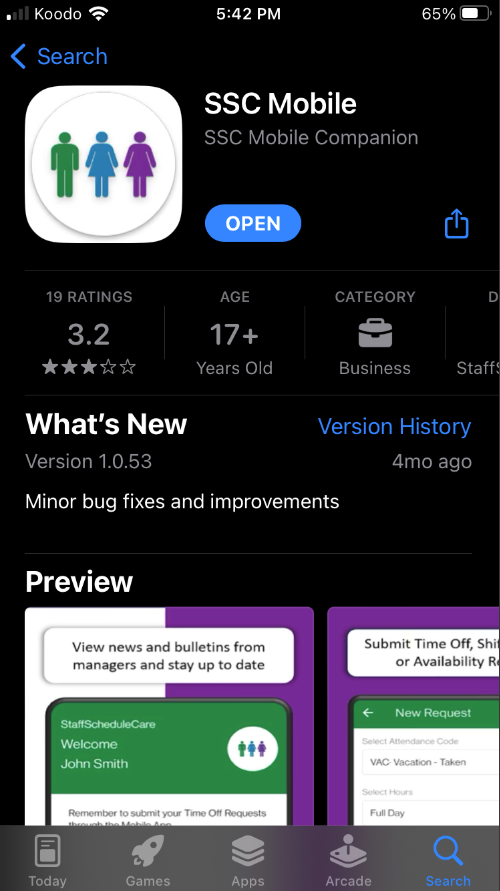
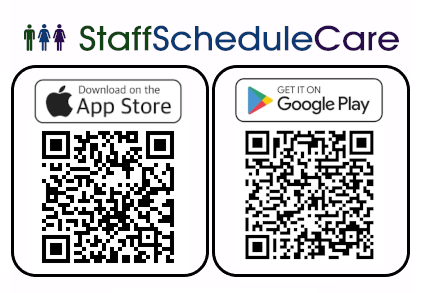
The new mobile app will work with Android 5+ and iOS 13+. To download it, you can go to the App Store or Google Play under the name “SSC Mobile” or use the QR codes below.
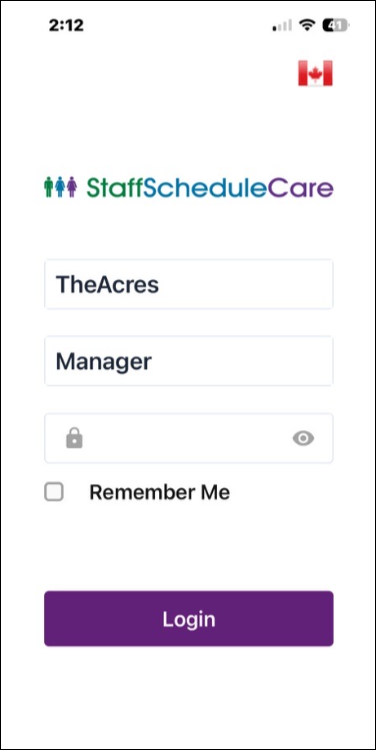
Log into the mobile for managers with your facility code and password. You will be presented with the Welcome menu.
|
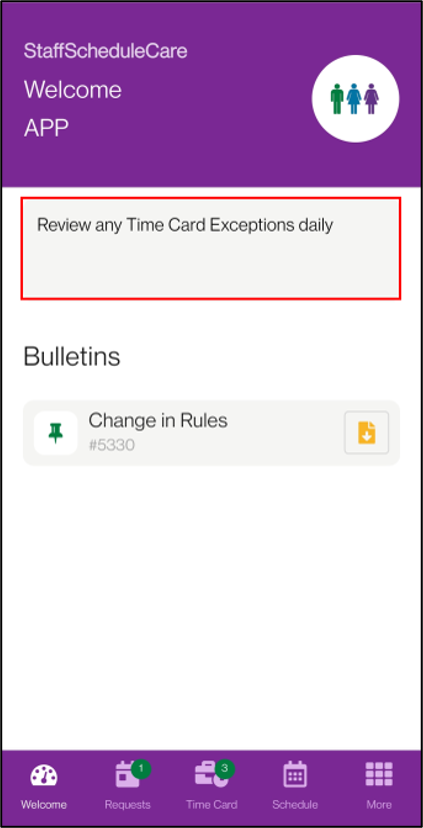
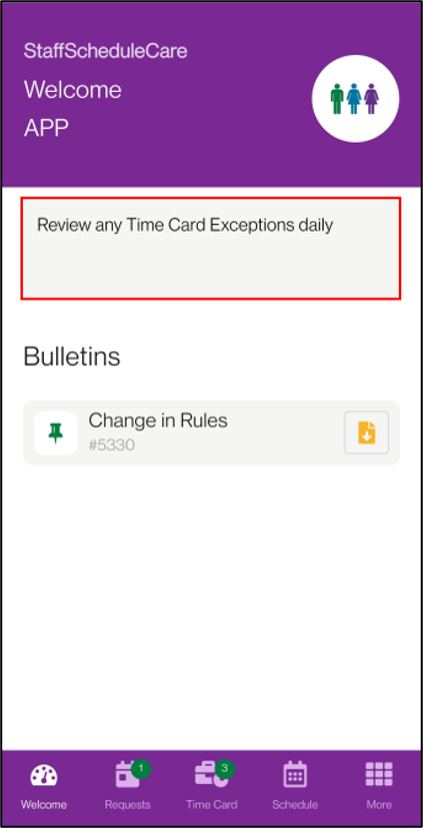
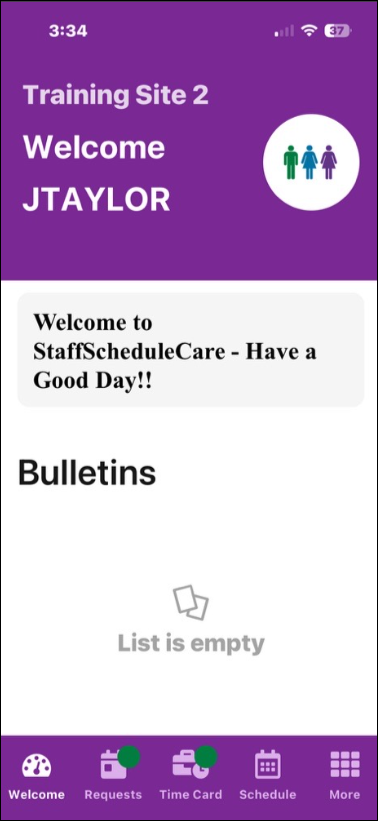
The Welcome menu was designed to keep employees up to date on company news. It can also be used to provide notices or reminders for managers. The greeting can be a general welcome message for staff or be used as a reminder from managers.
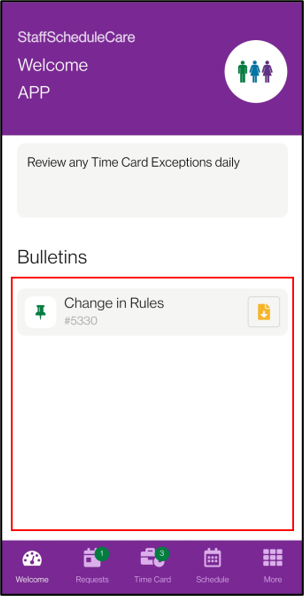
The Bulletins may include notices for upcoming events or company news. If there is an attachment on the bulletin, you can download the attachment to your device by clicking on the paper icon.
|