The department schedule provides employees visibility into staffing coverage for their work area. When employees log into the schedule through their desktop application, they will see all staff who share their department and class combination, regardless of where they may be working on any given shift.
Employees will not see staff from different home departments and classes, even if these employees are working in their area. This view is available through the desktop application only.
Configuring Employee Department Schedule Groups
Prior to employees accessing their department schedules, the schedule groups must be configured. Please see Setting up the Employee Department Schedule for configuration information.
Creating Department Schedule Security Access
To provide department schedule security access to employees, please see Department Schedules.
Employee Department Schedules
Once the groups are created and employees have been given access, they will be able to see their home department and class schedules as follows:
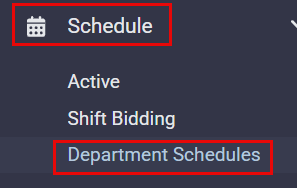
Example of an employee department schedule:
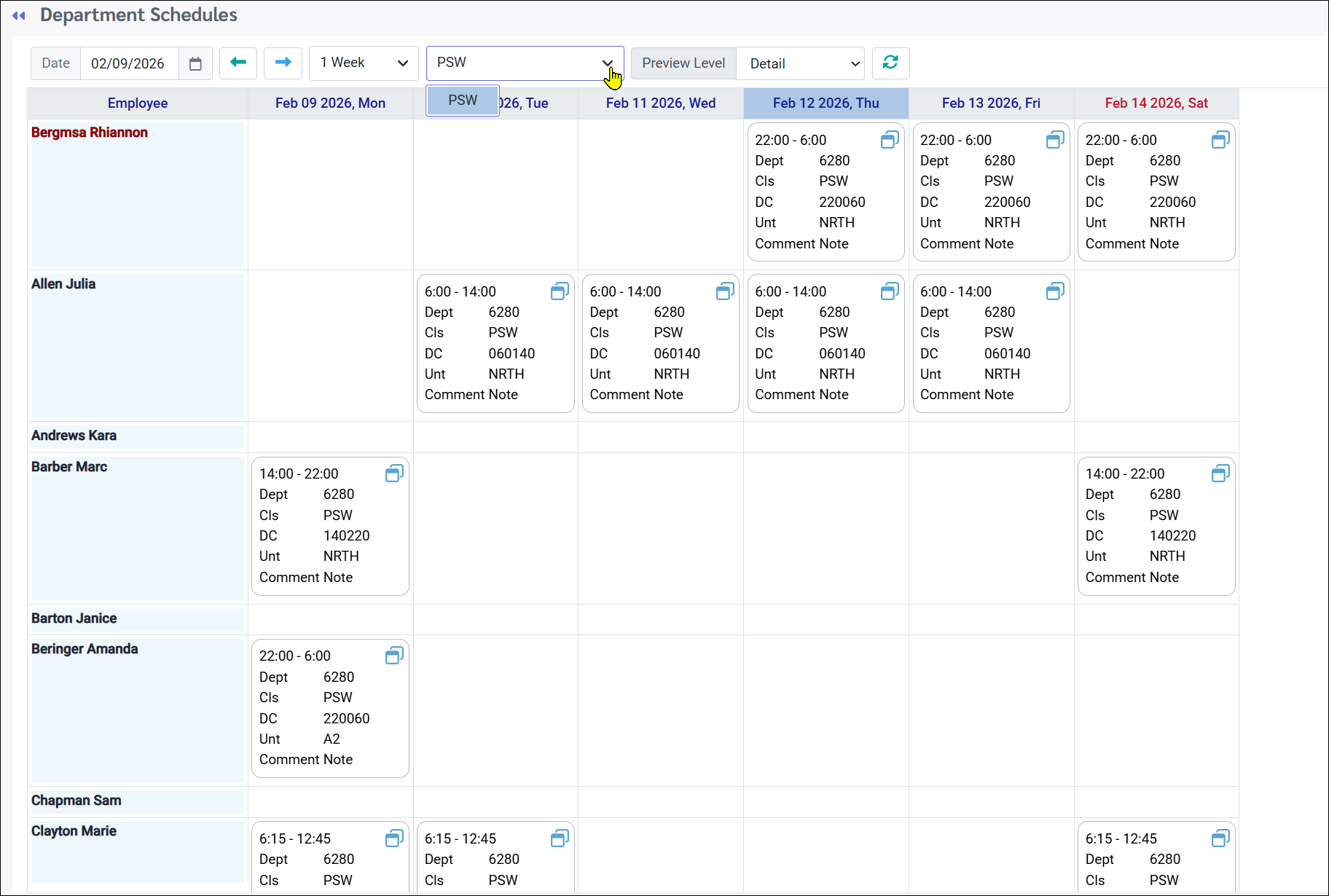
Employees will also be able to see other employees in their department schedule configuration (typically grouped by department and class) who don't have any shifts scheduled for the period they're viewing.
See Also: