Prior to employees accessing their department schedules, the schedule groups must be configured. To access the configuration menu:
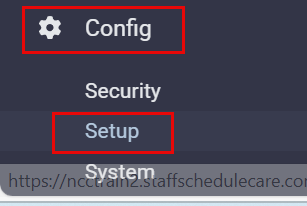
Select Config.
Select Setup.
Select Department Schedules.
The following menu will appear:

▪Click on the plus symbol (+) to add a new group.
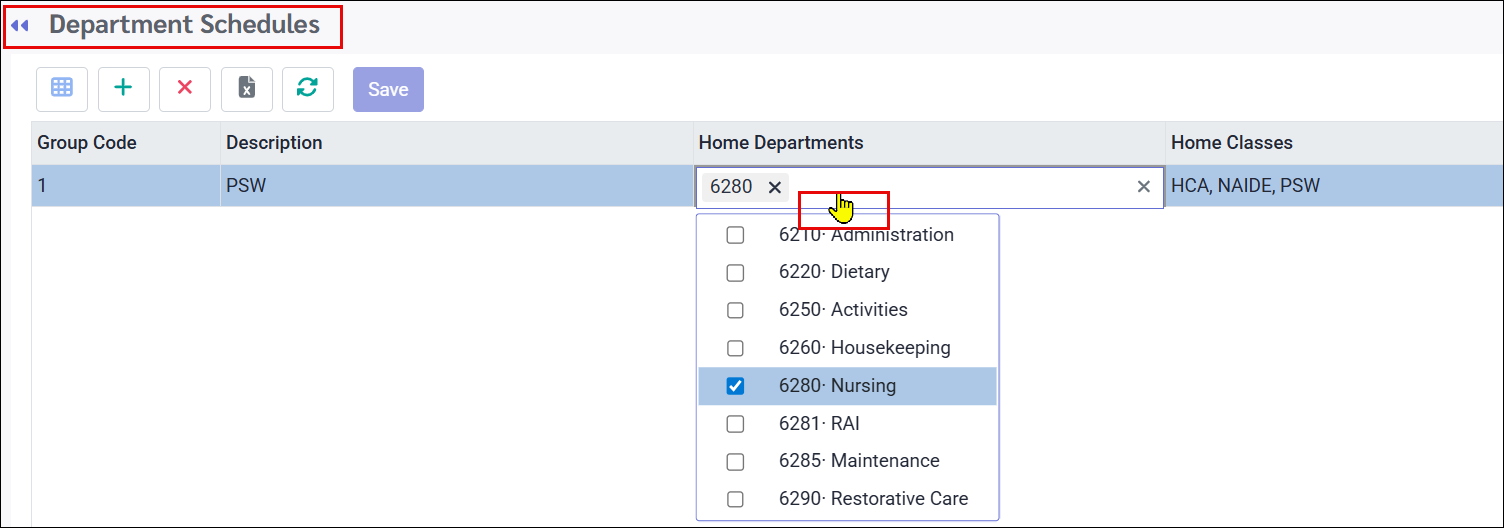
▪Double-click within the Home Departments and Home Classes rows to activate the corresponding drop-down menus and select the appropriate options.
▪Click Save.
▪Continue adding the groups you need.
The numeric Group Code will be created by the system automatically upon saving your group. The Description field can be modified at any time.
See Also: